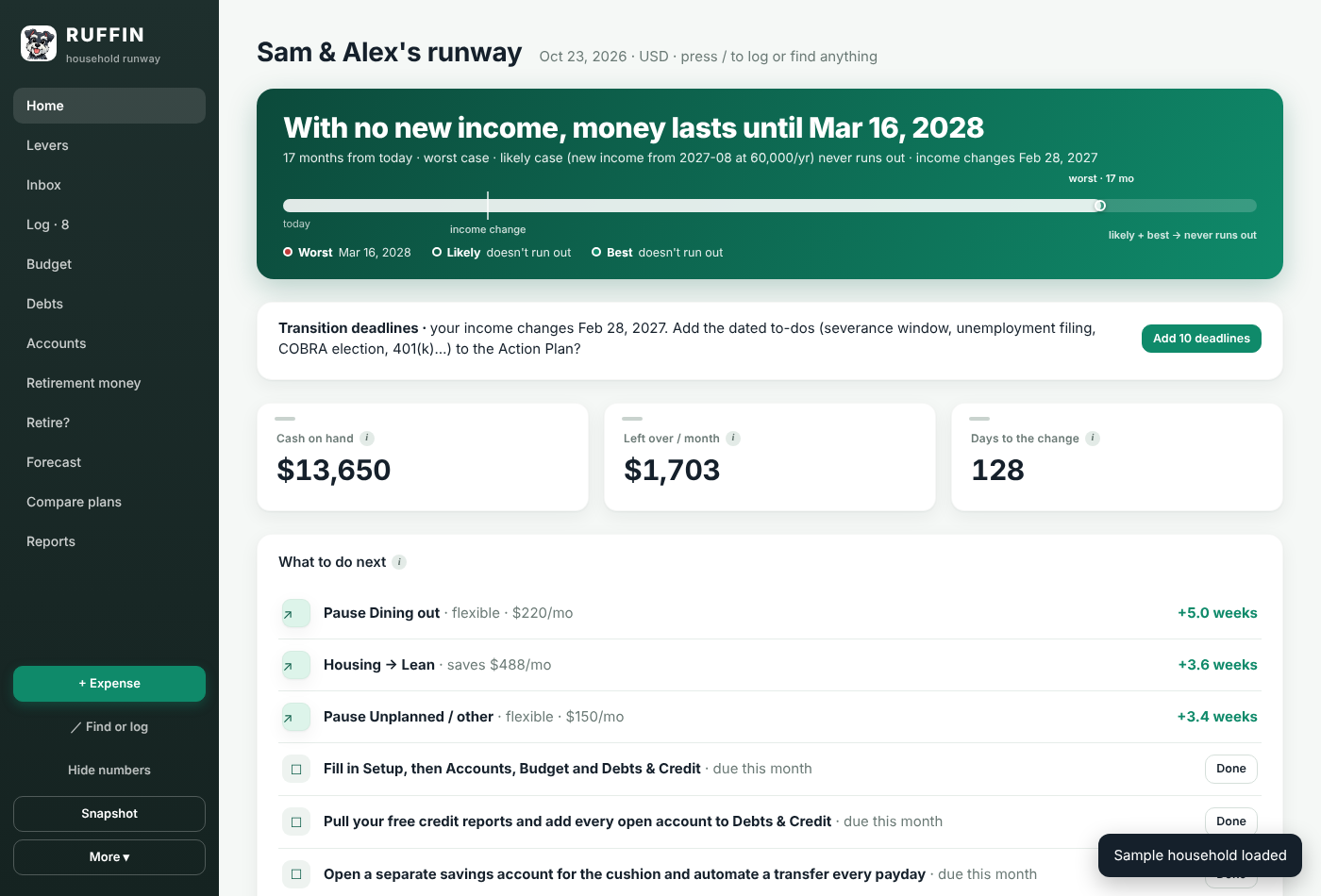
RUFFIN turns your accounts, bills and plans into one number — your runway — and shows you exactly what stretches it. Built for the stretch between paychecks.
Most budgeting apps show you where money went. RUFFIN shows you how long it will last — and every card on the screen answers one question: does this move the date?
Trim a subscription, pay off a card, tap an investment: watch the date move before you commit.
Grouped, collapsible cards with a sidebar that always tells you where you are.
Three scenarios side by side, so you plan for the bad case without living in it.
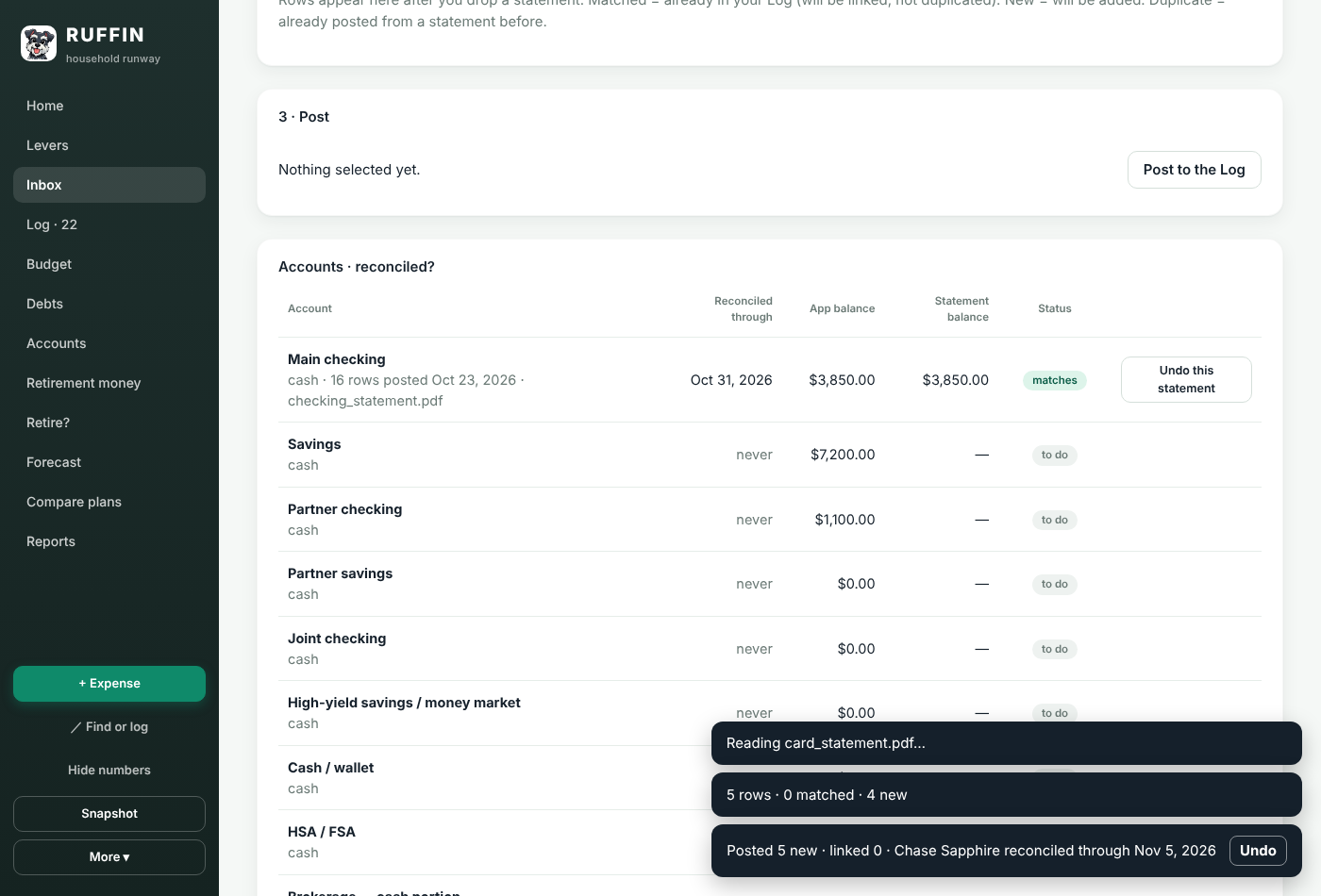
Drag a PDF or CSV onto RUFFIN to reconcile. An optional AI reader handles the messy ones.
Compare debt payoff orders and see which one buys you more runway.
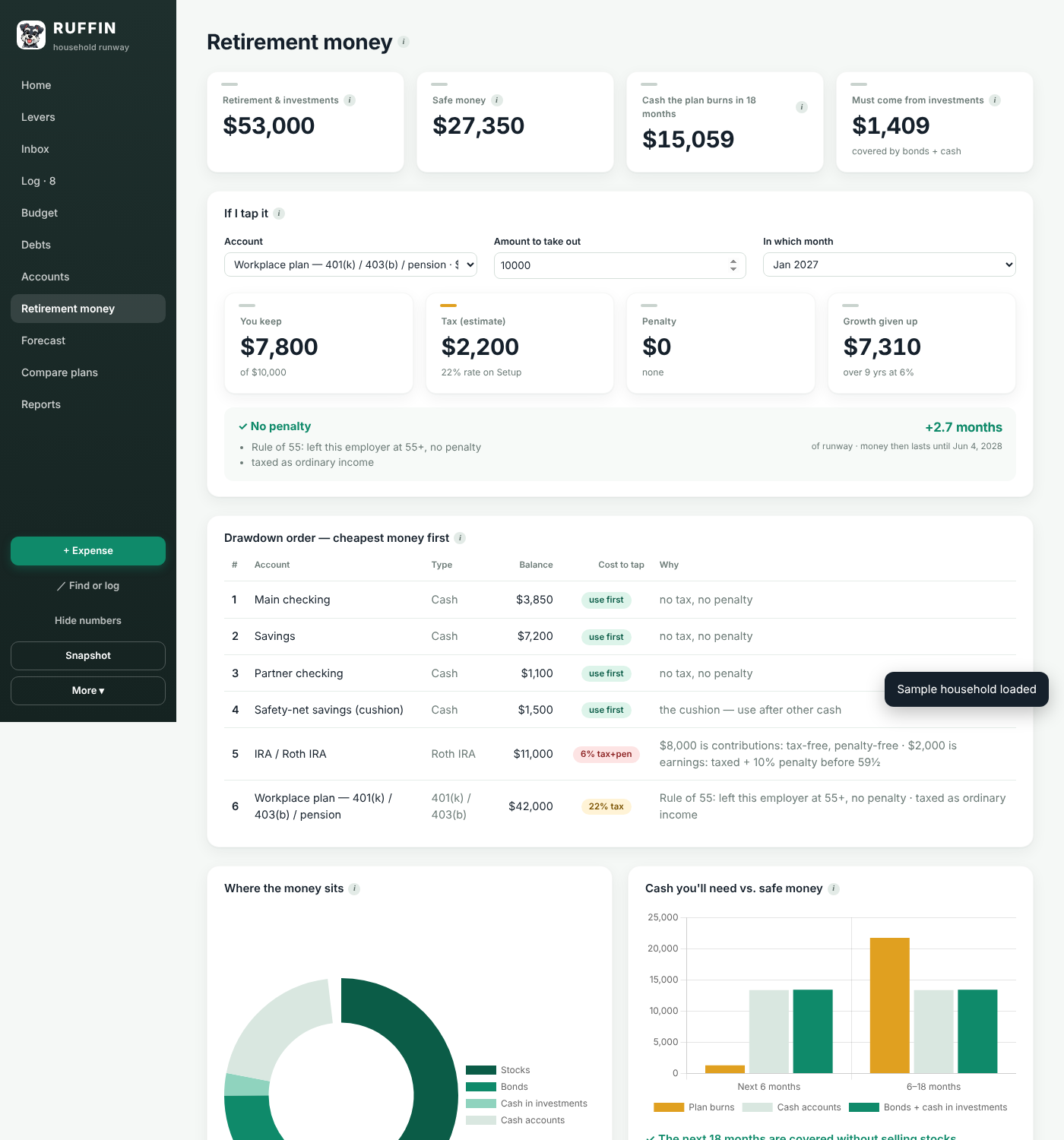
Which account to draw from first, and what it does to your date, your taxes and your allocation.
A simple Social Security and retirement check: what it takes to keep your current standard of living.
Multi-currency accounts, including money sent abroad. Twelve languages. Dark mode for late-night planning.


RUFFIN reads them, checks that they reconcile, and turns them into your plan. That's the Makara method — receive, guard, translate — applied to your household.
Your plan is stored in your own browser. Statements are read on your device and never uploaded. If you turn on the optional AI reader, account numbers and names are removed before any text is sent. Export or delete everything from Settings at any time.
Runs in any modern browser on Windows, Mac or Chromebook. Nothing to install.
Launch RUFFINInstall to your home screen on iPhone or Android — no app store needed. Scan the code or open the link on your phone.
The household-plan workbook RUFFIN grew from. For people who'd rather live in a spreadsheet.
Download templateNo. Drag in PDF or CSV statements and RUFFIN reads them. Bank connections may come later as an option.
Nowhere. Your plan lives in your browser's storage on your own device. Statements are read on the device and never uploaded. You can export everything as a file, or wipe it, from Settings. If you choose to sign in later for sync between devices, your plan is stored encrypted in your own account and you can delete it at any time.
Free during the beta. Core planning stays free; sync, partner sharing and the AI statement reader will be a paid Pro tier when they launch.
Yes. Import the Runway workbook, or any Excel or CSV export, from Setup. Nothing is sent anywhere — the file is read in your browser.
No. RUFFIN is a planning tool. For advice on your situation, talk with a licensed financial professional.